
ENTERPRISE: How Do I Join My Company's Enterprise Account?
Edited
This article is for members of an Company team that has an Enterprise Subscription. This article explains how to join your company's team on Staff Me Up after receiving an invitation.
How To Join Your Company's Enterprise Account
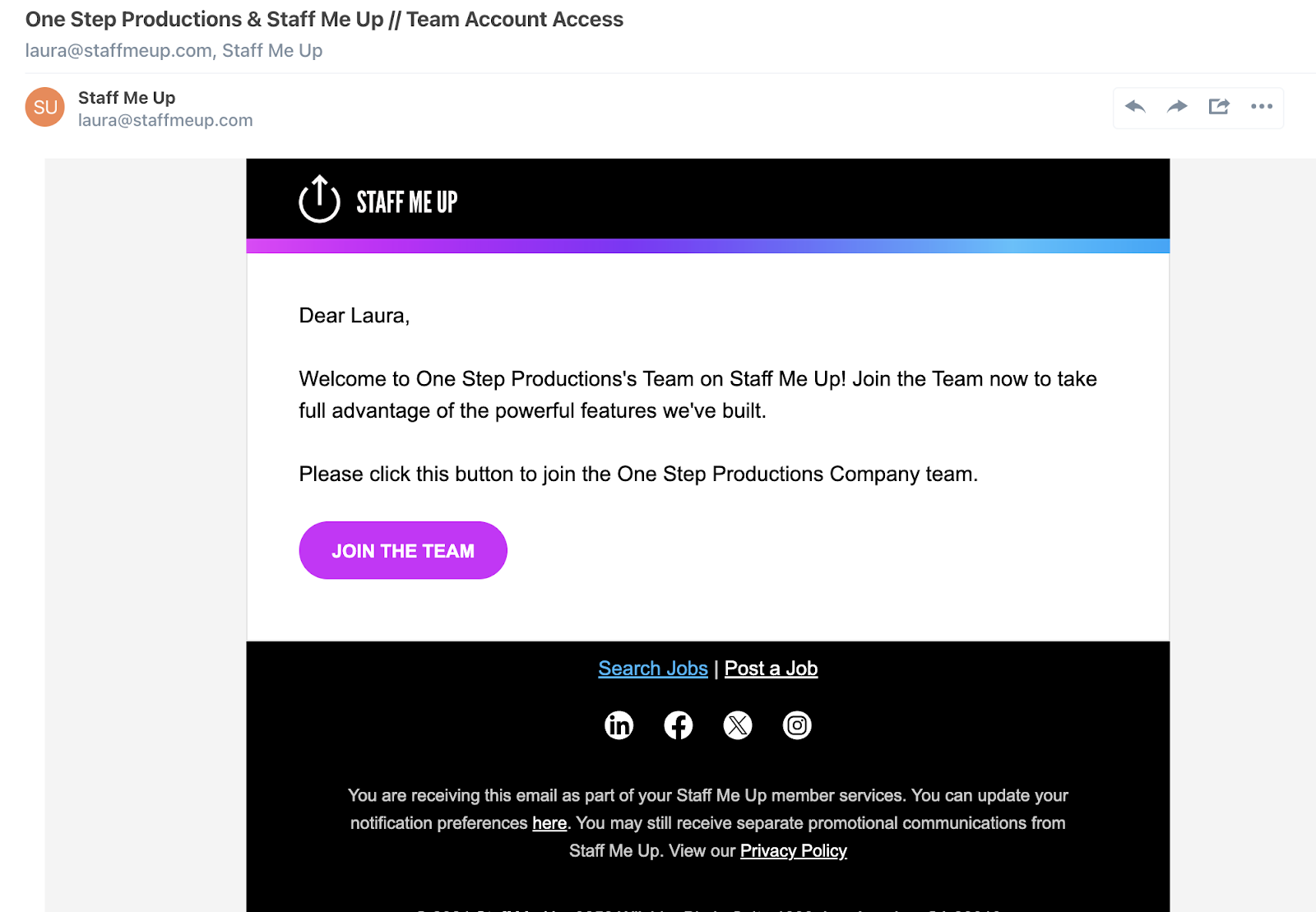
Check your email inbox for an invitation from Staff Me Up.
Open the email and click on the JOIN THE TEAM button.
You will be directed to a custom registration link.
Use this link to complete your Staff Me Up profile. If you already have a Staff Me Up profile, you can simply log in from this custom link to connect your existing account to the company team.
Join
Company
Team
Enterprise
Was this article helpful?
Sorry about that! Care to tell us more?