
APPLICANT: How do I view my saved jobs?
Edited
This article is for Applicants who want to know how to view their saved jobs on Staff Me Up.
How to View Your Saved Jobs
Follow these steps to view your saved jobs:
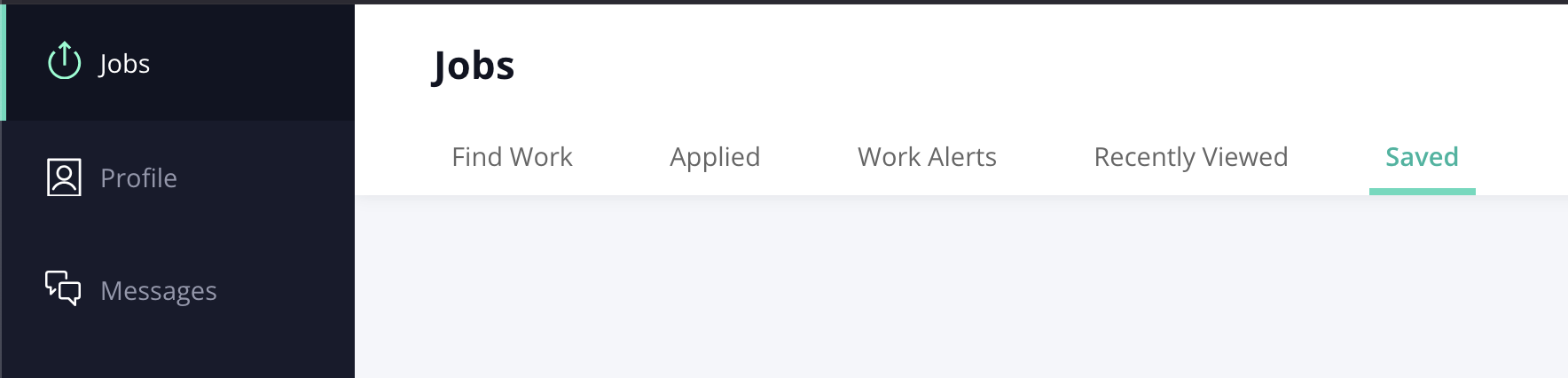
From the account navigation tab on the left side of the screen, select Jobs.
On the next page, select Saved to view your saved jobs that are still current.
View
Saved Jobs
Applicants
Was this article helpful?
Sorry about that! Care to tell us more?