
APPLICANT: How do I receive Messages?
This article is for Staff Me Up applicants and explains how you can communicate with a job poster after applying for a job.
How Job Posters Contact You
As a job applicant on Staff Me Up, you cannot initiate contact with a job poster directly. Job posters may choose to contact you through the platform after you apply for a job. Your contact information is kept private and is only visible to you.
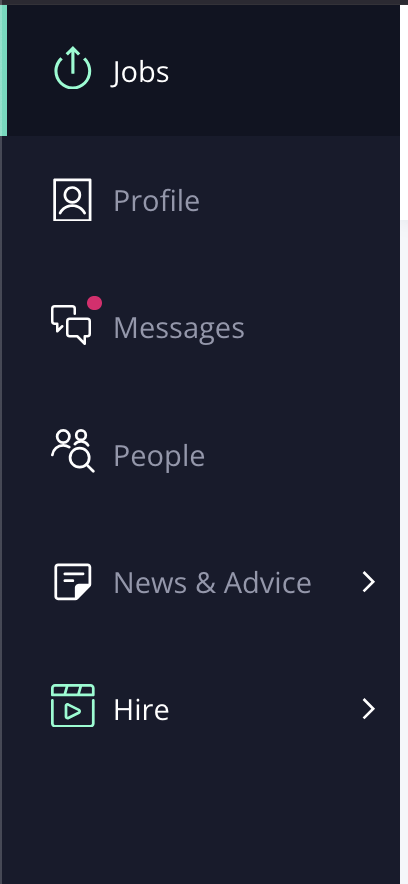
If a job poster has sent you a message, you'll see a small red dot is visible next to the "Messages" label, indicating a new notification. Select "Messages" to review and reply to the job poster.
Setting Up Notifications
If a job poster messages you via Staff Me Up, you can adjust your settings to receive notifications by text or email.
To receive text messages:
Go to your Privacy Settings.
Check the box to agree to receive text messages when you have a message from a job poster.
If the box is left unchecked, you will only receive these messages by email.