
How do I update email notifications?
Edited
This article explains how to manage your email notifications on Staff Me Up.
Steps to Edit Your Email Notifications
Go to your profile and click on the profile picture thumbnail in the bottom left-hand corner of the page.
From the drop-down menu, select "Settings."
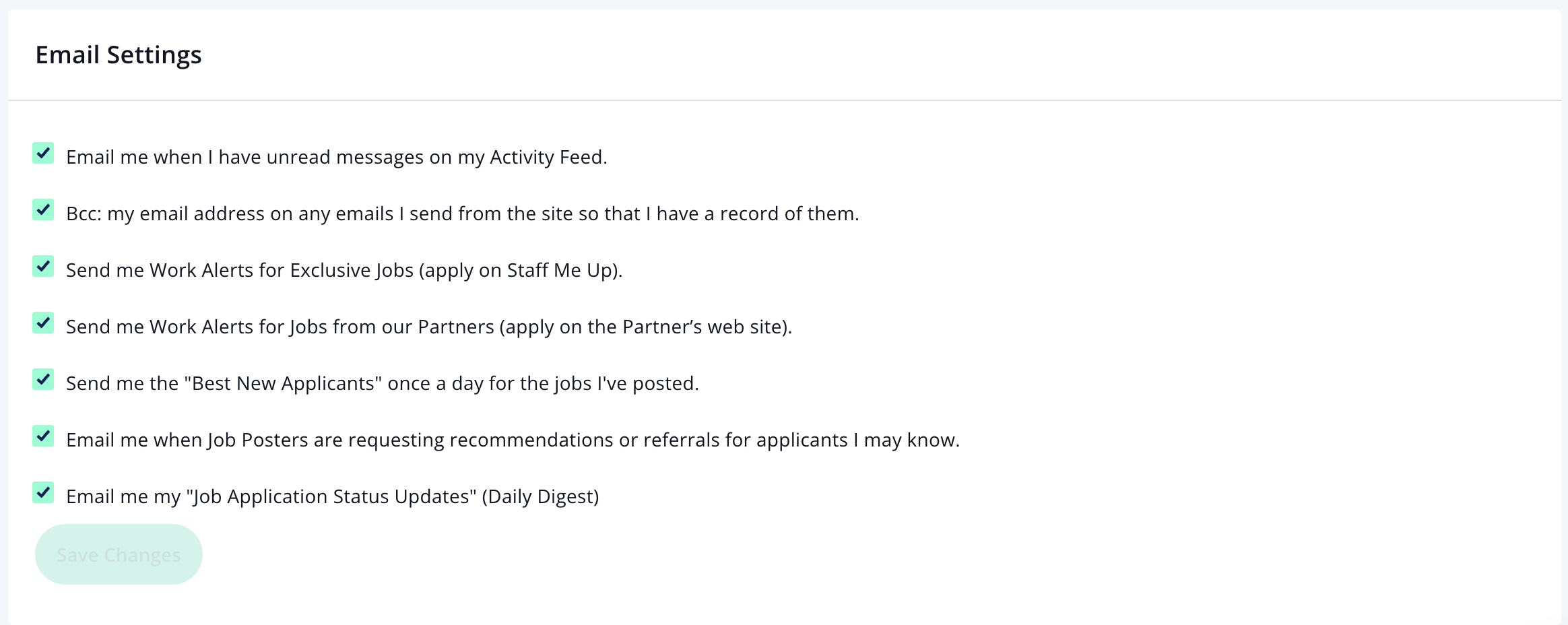
Go through the options and select/de-select the line items to customize your email settings.
Be sure to click "Save" when you are finished.
Email
Notification
Was this article helpful?
Sorry about that! Care to tell us more?