
How do I access my settings?
This article is for all users on Staff Me Up who want to understand how to access and manage their account settings. Here you will find information on how to update your privacy, email notifications, and personal account details.
Accessing your Settings on a Web Browser
You can update your main account settings through a web browser. For information on managing notification settings within the iOS app, please click HERE.
Log in to your Staff Me Up account.
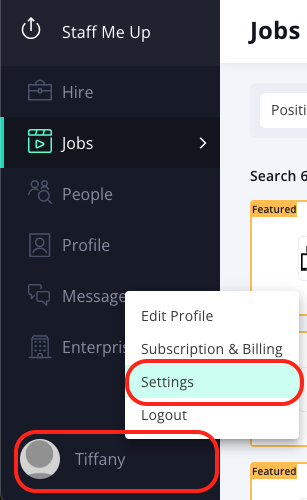
Click on your name located at the bottom left-hand side of the screen.
Select SETTINGS from the menu that appears.
Privacy Settings
In this section, you can manage how your information is shared:
Opt-in or out of receiving text messages from job posters or applicants.
Choose whether to share your credit and availability updates with your Connections.
For job posters, you can opt-in or out of anonymously viewing other profiles.
Profile Settings
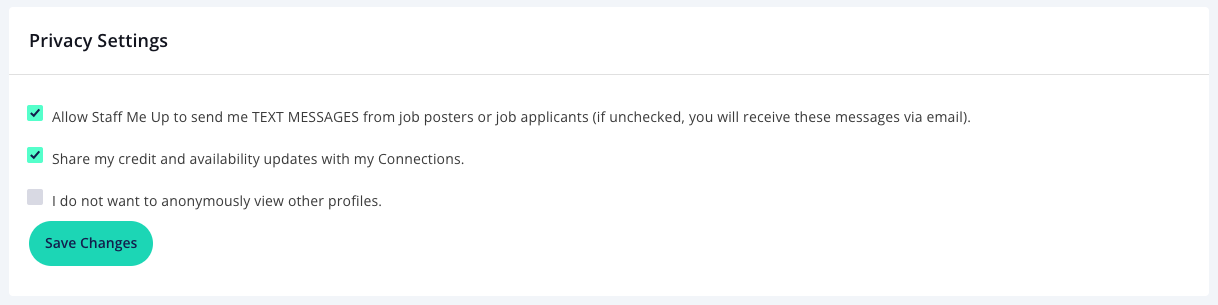
This section allows you to control the visibility of your profile:
Choose to make your location visible on your Profile.
Choose to hide your profile from being found on Staff Me Up or Google (job posters will still be able to see it).
For Applicants, you can find out more about Profile Settings here
Email Settings
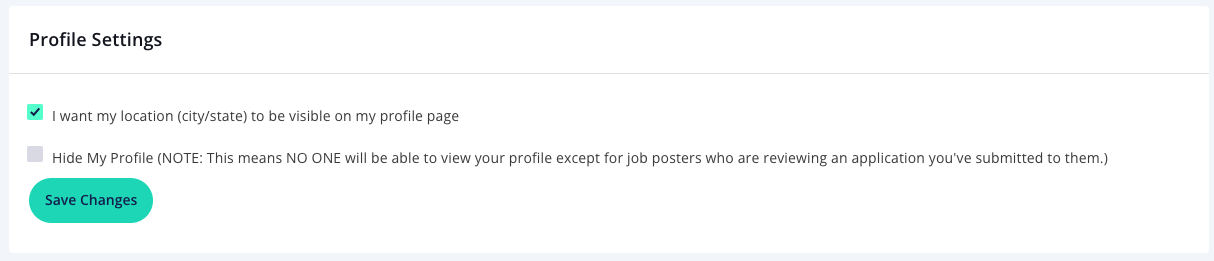
Here you can customize the email notifications you receive:
Get notified when you have unread messages in your Activity Feed.
Receive a BCC of emails you send from Staff Me Up to your personal email address.
Receive Work Alerts for Exclusive Jobs.
Receive Work Alerts for jobs posted by our Partners.
If you've posted a job, receive a "Best New Applicant" email once a day.
Receive a "Job Application Status Updates" daily digest.
To further tailor your job notifications, you can create custom Work Alerts. Learn how HERE.
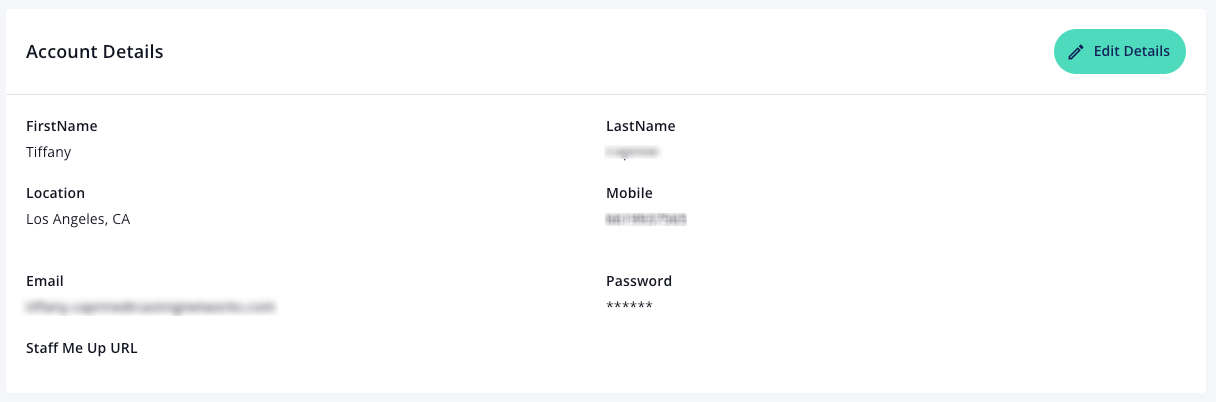
Account Details
In this area, you can update your personal information:
Edit your name, location, email, and mobile phone number.
Change your password.
Set your custom Staff Me Up URL.
Account Settings
This section contains options for managing your account status:
You have the option to permanently delete your account and all associated data. Please be aware that this action cannot be undone.
