
APPLICANT: How do I update my profile privacy settings?
This article explains how to manage the visibility of your Staff Me Up profile on search engines and to other users on the platform. By default, your profile is visible to the public, but your contact information is always hidden from search engines.
How to Hide Your Profile
You can control whether your profile appears in search engine results and to other Staff Me Up users within your account settings.
Click your profile picture in the bottom left corner of the page.
Select Settings from the menu that appears.
Scroll down to the Profile Settings section.
Check the box next to Hide My Profile.
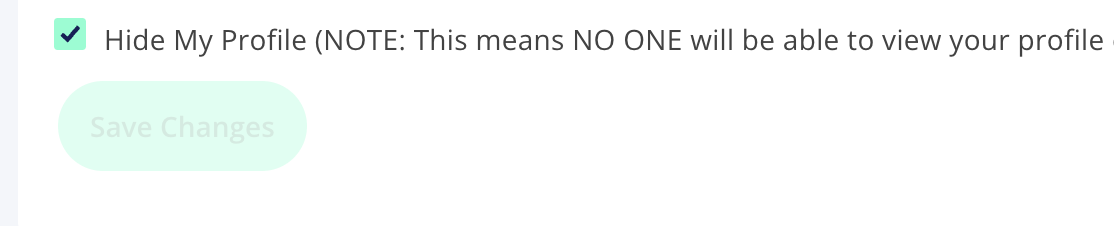
Click Save Changes.
What to Expect After Hiding Your Profile
Once you save your changes, your profile will not be visible in internet searches.
Other Staff Me Up users outside of your network will not be able to view your profile.
Please note that it may take up to 7 days for search engines like Google to update their cache and remove your profile from search results.
If someone clicks on a cached link to your profile during this time, they will be redirected to the Staff Me Up homepage and will not be able to see your profile information.
If you are actively logged in to Staff Me Up and you click on the link in a search result, you will see your full profile page as a registered member.